I still remember the first time I enabled DLSS in Cyberpunk 2077. My aging RTX 2060 had been chugging along at around 35 frames per second on medium settings, and the game looked, well, acceptable. Then I toggled on this mysterious “Deep Learning Super Sampling” option. Suddenly I was getting 60+ fps with visuals that actually looked sharper than before. It felt like witchcraft.
That moment fundamentally changed how I think about gaming performance. AI graphics enhancement has moved from experimental feature to essential technology in just a few years, and if you’re serious about PC gaming, you need to understand what it does and why it matters.
What Exactly Is AI Graphics Enhancement?
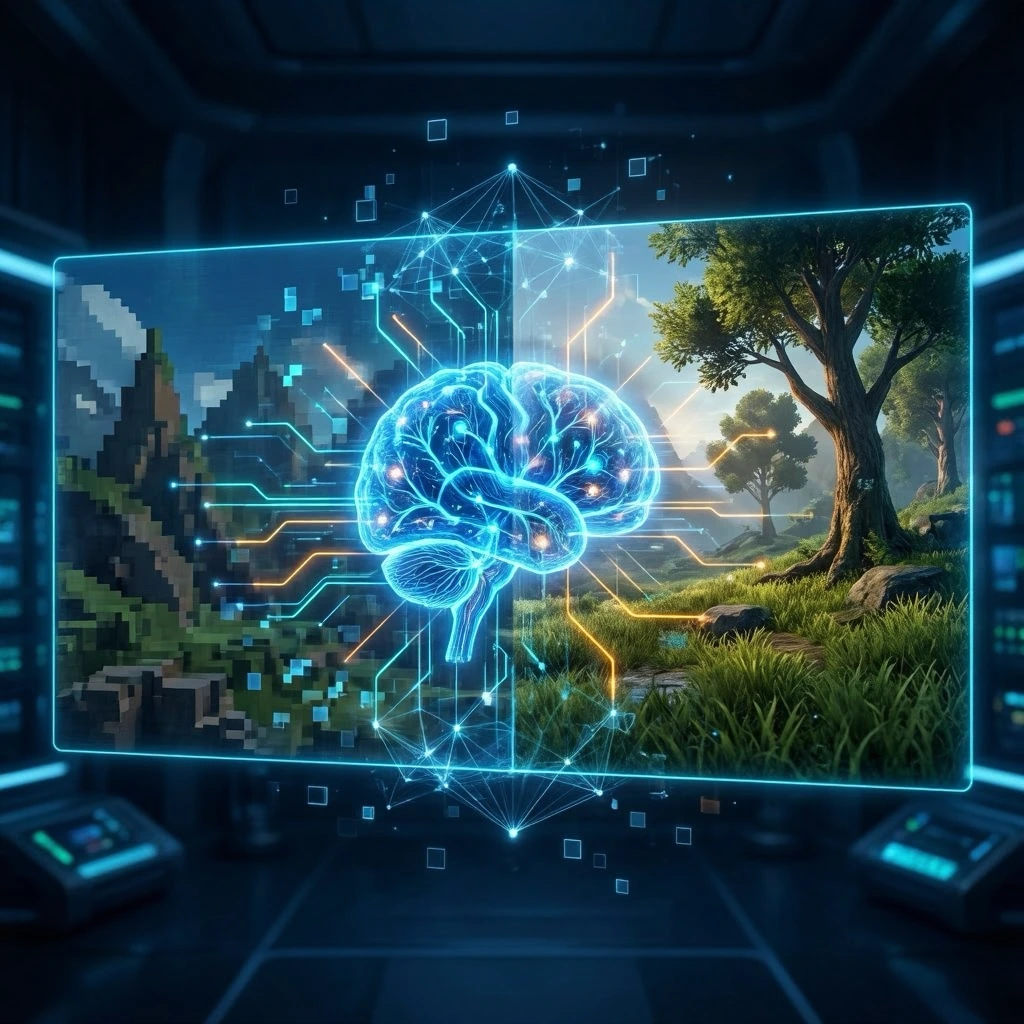
At its core, AI powered graphics enhancement uses machine learning algorithms to intelligently upscale images from a lower resolution to a higher one. Instead of your GPU rendering a game at full 4K resolution (which is incredibly demanding), it renders at something like 1080p or 1440p, then uses AI to “fill in the gaps” and create a 4K image.
This isn’t the same as traditional upscaling, which basically just stretches pixels and applies some sharpening filters. AI upscaling has been trained on thousands of high quality images, so it can actually predict what detail should be there. The results are often indistinguishable from native resolution rendering, sometimes even better because the AI can apply sophisticated anti-aliasing techniques simultaneously.
The big players here are NVIDIA’s DLSS (Deep Learning Super Sampling), AMD’s FSR (FidelityFX Super Resolution), and Intel’s XeSS (Xe Super Sampling). Each takes a slightly different approach, but they’re all chasing the same goal: better performance without visual compromise.
How I’ve Seen This Technology Evolve
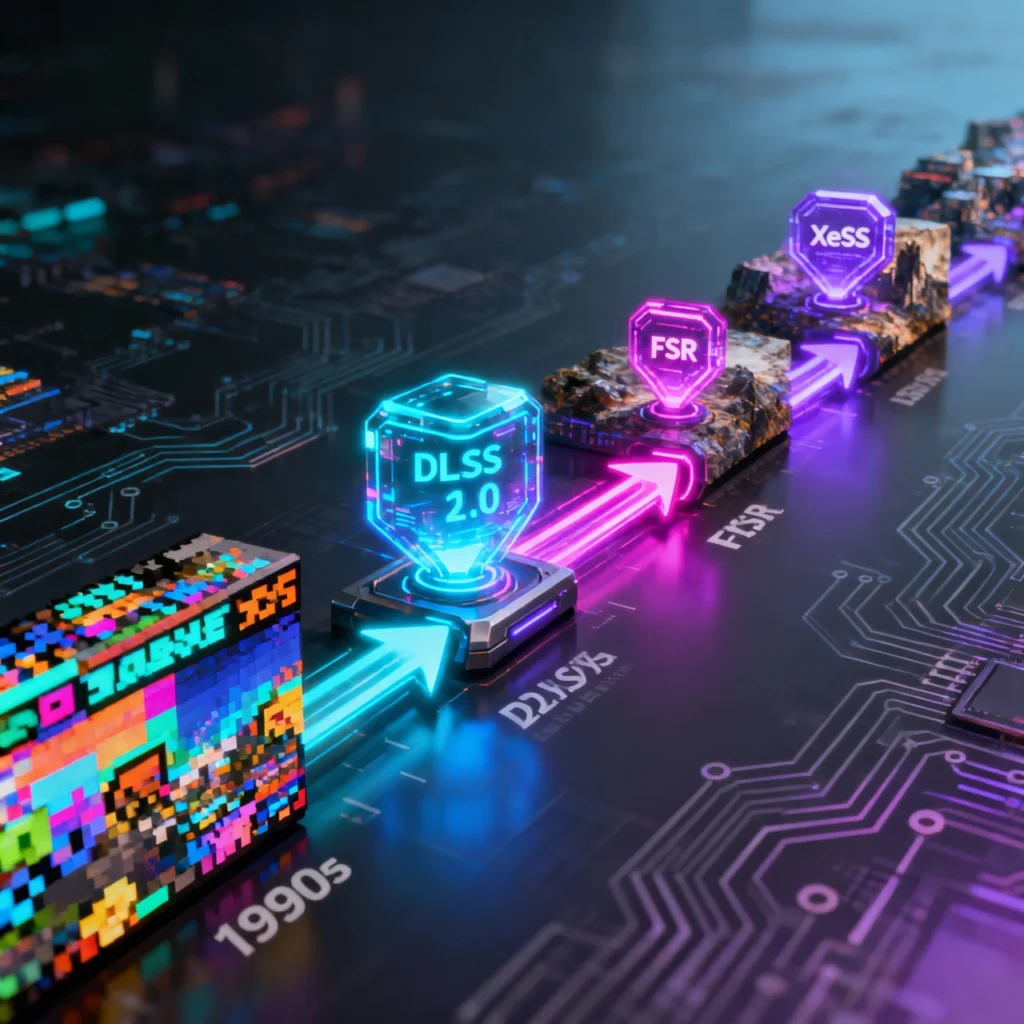
When DLSS first launched with the RTX 20 series cards, it was honestly pretty rough. Early implementations in games like Battlefield V and Metro Exodus showed promise but also introduced noticeable blur and ghosting artifacts. Gamers were skeptical, myself included.
DLSS 2.0 changed everything. NVIDIA completely rebuilt their approach, and when it landed in Control and Death Stranding, the difference was night and day. Text remained crisp, motion looked clean, and the performance gains were substantial. I tested Control on my setup at the time switching from native 1440p at 45 fps to DLSS Quality mode gave me 75 fps with barely perceptible quality loss.
AMD’s FSR entered the scene later but with one major advantage: it works on a much wider range of hardware, including older GPUs and even consoles. While FSR 1.0 was more of a spatial upscaler (not truly AI based), FSR 2.0 and beyond incorporated temporal data and delivered results that rival DLSS in many scenarios. I’ve tested it extensively in games like Forspoken and Starfield, and on AMD hardware, it’s genuinely impressive.
Real Performance in Real Games
Let me give you some concrete examples from my own testing, because benchmarks are where the rubber meets the road.
In Hogwarts Legacy, running native 4K on an RTX 3070 with high settings, I averaged about 42 fps. With DLSS set to Quality mode (rendering internally at 1440p), that jumped to 68 fps. The visual difference? Minimal. Some very fine texture details showed slight differences if I paused and zoomed in with screenshots, but during actual gameplay, I couldn’t tell them apart.
Spider Man Remastered on PC is another great showcase. The game is gorgeous but demanding. FSR 2.0 allowed my friend’s Radeon RX 6700 XT to maintain 60+ fps at 4K where native rendering would have required dropping to 1440p or reducing settings significantly.
The technology really shines in ray traced games. Cyberpunk 2077 with path tracing enabled is basically unplayable at native resolution even on high end cards, but DLSS makes it accessible. We’re talking about turning a slideshow into a smooth experience.
The Limitations Nobody Talks About Enough
Here’s the thing, though AI upscaling isn’t a magic bullet for every situation. I’ve encountered enough edge cases to know the limitations.
Fast paced competitive games can be tricky. In Counter Strike 2 or Valorant, some players report they prefer native rendering because even minimal latency or slight visual inconsistencies matter at high skill levels. The differences are measured in milliseconds and subtle visual cues, but at that level, it counts.
UI elements sometimes don’t play nicely with upscaling algorithms. I’ve seen weird shimmering on health bars or inventory screens in certain games, particularly older titles that received FSR/DLSS support through mods rather than official implementation.
Implementation quality varies wildly between games. A well integrated DLSS implementation is transformative; a lazy one introduces ghosting, shimmering, or weird artifacts around high-contrast edges. Developers need to do the integration work properly, and not all of them do.
Practical Advice for Gamers
If you’re shopping for a GPU right now, AI upscaling capability should absolutely factor into your decision. An RTX 4060 Ti with DLSS 3 (which adds frame generation) can punch well above its weight class. Similarly, AMD cards with FSR support offer excellent value, especially at 1440p.
My recommendation: always start with the Quality or Balanced preset. Performance mode renders at too low a base resolution and often shows noticeable quality loss. Quality mode typically gives you 30-50% better performance while maintaining visuals that are 90-95% of native rendering.
Test it yourself in your favorite games. Pull up a detailed scene, toggle between native and AI upscaling, and see if you notice the difference. Don’t just trust benchmarks or YouTube comparisons—your eyes and your tolerance for visual compromises are what matter.
For competitive gaming, test whether the input lag changes. Most modern implementations add less than a millisecond, but your mileage may vary depending on the game and your setup.
Where This Technology Is Headed
Frame generation is the newest frontier. DLSS 3 can literally create entirely new frames using AI prediction, effectively doubling framerates in some games. I’ve tested it in Microsoft Flight Simulator and Portal RTX, and while it occasionally produces weird artifacts during extreme camera movements, it’s genuinely impressive technology that makes otherwise impossible performance targets achievable.
AMD and Intel are developing their own frame generation technologies. We’re moving toward a future where your GPU’s AI capabilities matter as much as its raw rendering horsepower.
The ethical consideration worth mentioning: as these technologies become standard, are developers optimizing games properly for native rendering anymore? Some recent releases run poorly without upscaling enabled, which feels like a concerning trend. We shouldn’t need AI crutches to run games at acceptable framerates on appropriate hardware.
Final Thoughts
AI graphics enhancement represents one of the most significant technological leaps in gaming graphics since programmable shaders. It’s not marketing hype it genuinely works, and it’s only getting better.
For anyone gaming at 1440p or 4K, these technologies extend your GPU’s useful life by years. My RTX 3070, which I bought in 2021, still handles modern games at high settings and resolutions thanks to DLSS. Without it, I’d already be eyeing upgrades.
The technology isn’t perfect, and it won’t replace raw performance for every use case, but it’s damn close. After years of testing and gaming with AI upscaling, I wouldn’t build a gaming PC without it.
Frequently Asked Questions
Does AI upscaling work with all games?
No, only games that specifically implement support for technologies like DLSS, FSR, or XeSS. The list grows constantly, but older games typically don’t have native support unless modders add it.
Which is better: DLSS or FSR?
DLSS generally produces slightly better image quality due to hardware specific optimization, but FSR works across more GPUs. On NVIDIA cards with DLSS support, use DLSS. On AMD or older hardware, FSR is excellent.
Does AI upscaling reduce input lag?
Modern implementations add negligible latency usually less than 1ms. The performance boost often results in lower overall input lag because framerates increase significantly.
Can I use AI upscaling on a 1080p monitor?
Yes, though benefits are smaller. You can render at 720p and upscale to 1080p, but the quality difference becomes more noticeable at lower resolutions.
Do consoles use AI upscaling?
Yes, PlayStation 5 and Xbox Series consoles increasingly use upscaling techniques (often FSR-based) to maintain performance while targeting 4K output resolutions.